 Book a taxi
 Every vehicle
 About Ryde
- Ryde
- Delete your account
Your account
Delete your Ryde account
You can delete your Ryde account yourself, at any time, in the Ryde app, in the Ryde Driva app or on ryde.bz. It takes a minute and cannot be undone.
Now live in Belize
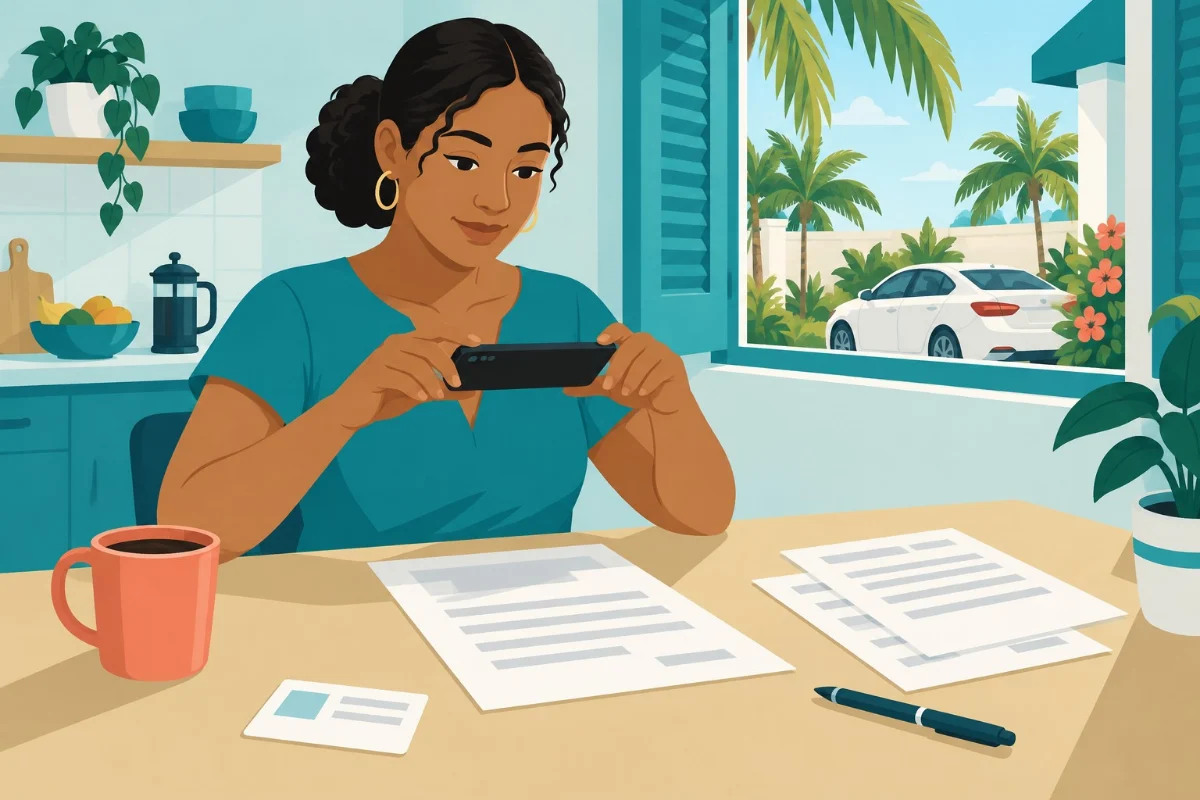
In the Ryde app
- 1Open Ryde and tap Account.
- 2Tap Login and security.
- 3Tap Delete my account, type DELETE and confirm.
In the Ryde Driva app
- 1Open Ryde Driva and tap Account.
- 2Tap Login and security.
- 3Tap Delete my account, type DELETE and confirm.
A driver whose application is not approved yet finds Delete my account on the Join screen, under Start.
On ryde.bz
- 1Sign in at ryde.bz and open Account.
- 2Open Login and security.
- 3Choose Delete account, type DELETE and confirm.
What is deleted, and what is kept
Deleted at once
your sign-in, your profile (name, phone and photo), your saved places, your settings and any application to join that you started. A taxi you drove with no finished trips is deleted with it.
Kept
trips and bookings you took part in stay on record, with the name and phone given for them, because the driver or company was part of them and the books must still add up. Money records are never changed or deleted.
On request
email [email protected] and we remove your name and phone from your past trips and bookings wherever no tax, accounting or open dispute needs them. We reply within 30 days.
Can't sign in?
Email [email protected] from the email address on your account, or message Ryde on WhatsApp at +501 613 5737 (messages only), and ask us to delete your account. The Privacy Policy at ryde.bz/privacy says more.
Questions
Taxis, rentals and tours by town
Questions? Message Ryde
Ryde is live across Belize.